
Adsaga vs Lusha compares an ICP workflow prospecting platform with one of the most popular contact-reveal tools in B2B sales. Lusha built its reputation on instant email and phone discovery through a Chrome extension—valuable when you already know which companies to target. Adsaga.ai solves the earlier problem: finding which companies match your ideal customer profile and scoring them before you hunt for contacts.
If your sales team's daily workflow is "find a company on LinkedIn, reveal the contact, send an email," Lusha fits naturally. If the bottleneck is "we don't know which companies are actually worth pursuing," Adsaga.ai addresses that gap directly.
This guide compares both platforms fairly—acknowledging Lusha's contact-reveal strengths while explaining when Adsaga.ai's ICP-first workflow delivers better pipeline outcomes for manufacturing, export, and industrial teams in 2026.
Related guides: AI sales prospecting tools compared, AI workflow for sales teams, and AI ICP generator explained.
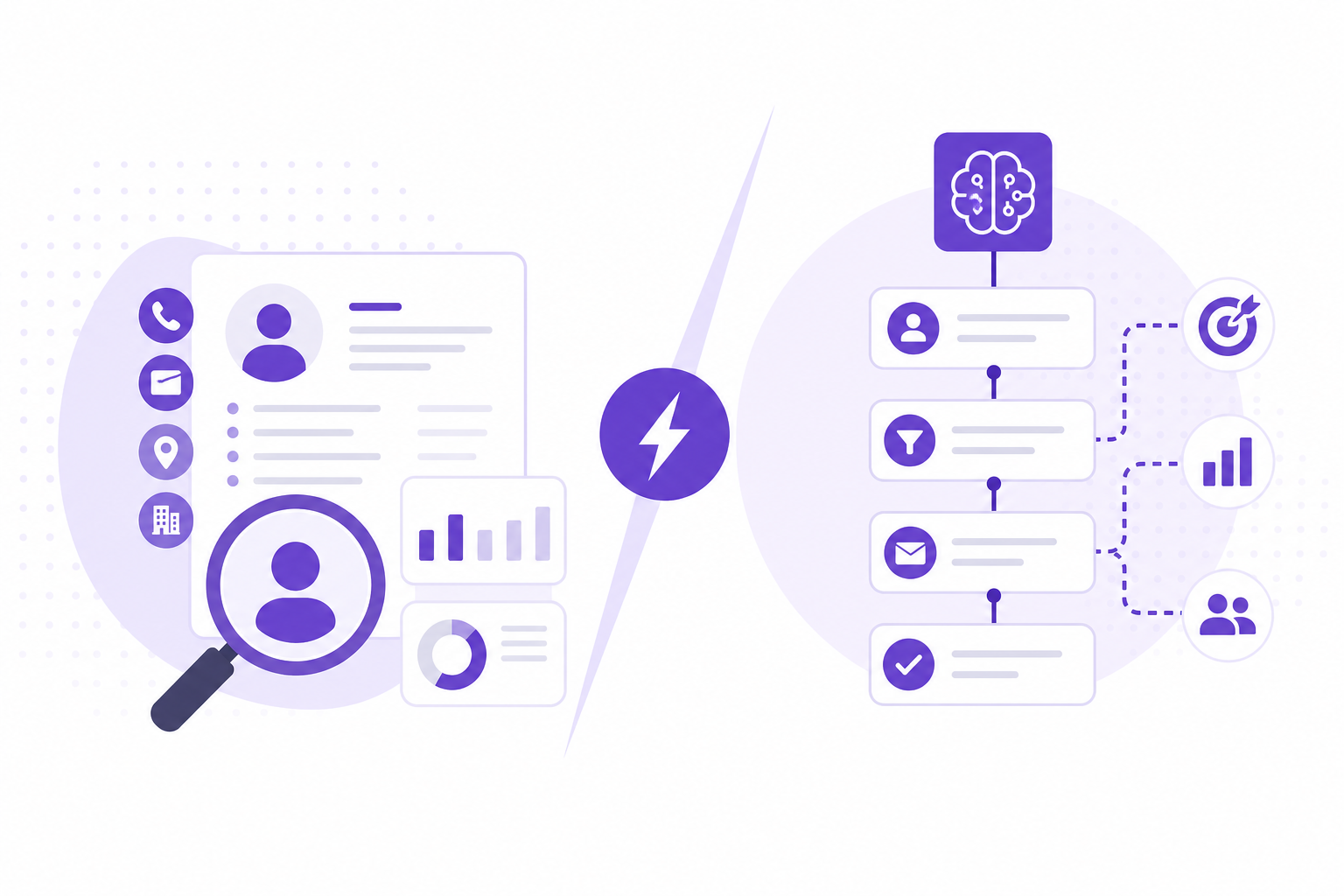
What Is Lusha?
Lusha is a B2B contact data platform best known for its Chrome extension that reveals email addresses and phone numbers while browsing LinkedIn profiles and company websites. It is widely used by individual reps and SDR teams who need quick contact access during manual prospecting.
Reported strengths of Lusha include:
- Chrome extension contact reveal — find emails and phones in one click while browsing LinkedIn
- Large contact database — Lusha publicly markets access to 300M+ business profiles
- Credit-based reveals — pay per contact uncovered rather than flat unlimited access on lower tiers
- Prospecting platform — search filters, lists, and CRM integrations beyond the extension
- Fast individual rep workflow — minimal setup for reps who already know their target accounts
Lusha excels at the contact layer of prospecting—when you have a company name and need a verified email quickly.
What Is Adsaga.ai?
Adsaga.ai is an AI-powered B2B prospecting workflow platform focused on company discovery and qualification. You describe your ideal leads in plain language, save a configuration, run workflows, and receive tier-scored companies with ICP and receptivity breakdowns.
Adsaga.ai is designed for teams that want:
- Qualified company discovery—not just contact reveals on known accounts
- Plain-language ICP setup with auto-filled targeting tags
- Tier A/B/C/D scoring with transparent ICP and receptivity reasons
- Repeatable workflows for fresh lead batches on demand
- Strong fit for manufacturing, export, industrial, and niche B2B verticals
Adsaga.ai operates upstream of contact reveal: it answers "which companies should we pursue?" before you need "what is their email?"
Adsaga vs Lusha: Feature Comparison
| Feature | Adsaga.ai | Lusha |
|---|---|---|
| Primary approach | ICP-first AI workflow company discovery | Contact reveal and B2B contact database |
| Core workflow | Describe ICP → run workflow → review scored companies | Browse LinkedIn → reveal contact → export to CRM |
| Chrome extension | Not applicable—workflow runs inside platform | Core product feature for on-page contact reveal |
| Database size | AI discovers ICP-matched companies per workflow run | 300M+ business profiles (publicly reported) |
| Lead scoring | Tier A/B/C/D; ICP, receptivity, total scores (0–100) with reasons | Search filters; no built-in ICP/receptivity tier scoring |
| Contact reveal credits | Not credit-per-reveal—workflow-based runs | Credit-based contact reveals per plan tier |
| Pricing model | Workflow-based platform pricing | Per-seat plans with monthly reveal credit limits |
| Best for | Teams needing qualified companies; manufacturing/export/industrial | Reps revealing contacts on known accounts via LinkedIn browsing |
When Lusha Is the Better Fit
Lusha typically makes more sense when:
- Your team already has a target account list and needs contact emails and phones
- Reps prospect primarily through LinkedIn browsing with the Chrome extension
- Individual rep productivity on contact reveal matters more than company discovery
- You need fast one-click email lookup during live prospecting sessions
- Your buyers are well represented in Lusha's 300M+ profile database
Lusha's extension workflow is genuinely efficient for reps who know where to look and need contact data fast.
When Adsaga.ai Is the Better Fit
Adsaga.ai typically makes more sense when:
- Your bottleneck is finding the right companies—not revealing contacts on wrong ones
- You sell to manufacturing, export, or industrial buyers outside typical SaaS databases
- You want tier A/B/C/D scoring with ICP and receptivity breakdowns before outreach
- Plain-language ICP setup is faster than manual LinkedIn account hunting
- You need repeatable workflows that produce fresh, scored lead batches weekly
- Revealing contacts on unqualified companies wastes credits and rep time
Contact reveal tools amplify whatever targeting strategy you already have. Adsaga.ai improves the targeting strategy itself.
How Adsaga.ai Works
Adsaga.ai follows a structured five-step workflow inside the platform. This is the exact process your team uses from configuration to scored leads.
Adsaga.ai workflow at a glance
Create Config → Run Workflow → Track Status → Review Scored Leads → Re-run for Fresh Batches
Step 1: Create a Configuration
Go to /workflow/config/create and describe your ideal leads in plain language—who you sell to, what problems you solve, and what makes a company a good fit.
Adsaga.ai auto-fills the targeting form based on your description. You can refine targeting tags including:
- Industries — sector and sub-sector tags
- Locations — countries, regions, or cities
- Designations — decision-maker titles and roles
- Company size and revenue — optional firmographic filters
- Custom instructions — additional criteria in natural language
Save the configuration with a descriptive name so your team can reuse it across workflow runs.
Step 2: Run a Workflow
From /workflow/workflows, select your saved configuration, choose an AI model, and start the run. The workflow uses your ICP definition to discover and evaluate matching companies.
Step 3: Track Run Status
Monitor each workflow run through clear status states: Queued, Running, and Finished. Your team always knows whether a batch is in progress or ready for review.
Step 4: View and Prioritize Leads
When a run finishes, review leads organized by tier: A, B, C, and D. Each lead includes:
- ICP score (0–100) — how closely the company matches your ideal profile
- Receptivity score (0–100) — signals suggesting openness to your outreach
- Total score (0–100) — combined prioritization metric
Expand any lead to see detailed ICP and receptivity reasons—so reps understand why a company ranked Tier A, not just that it did.
Step 5: Re-run for Fresh Lead Batches
Re-run the same saved configuration whenever you need a new batch of prospects. This makes pipeline generation repeatable without rebuilding filters or searches from scratch each week.
Contact Reveal vs Company Discovery
Lusha optimizes the moment a rep finds a promising profile on LinkedIn. That is valuable—but it assumes the rep already identified a promising company. For many B2B teams, especially in manufacturing and export, the harder problem is systematic company discovery across markets and industries.
Adsaga.ai inverts the workflow: discover and score companies first, then pursue contacts on Tier A accounts. This typically reduces wasted credit reveals and improves reply rates because outreach starts from qualified targets.
Can You Use Both?
Yes—and this is a common combination:
- Adsaga.ai — discover and score ICP-fit companies; prioritize Tier A accounts
- Lusha — reveal verified emails and phones on prioritized accounts via Chrome extension
Adsaga.ai handles qualification. Lusha handles contact access. Together they cover discovery through outreach preparation.
Frequently Asked Questions
Is Adsaga.ai a replacement for Lusha?
Not entirely. Lusha specializes in contact reveal via Chrome extension. Adsaga.ai specializes in ICP-first company discovery and tier scoring. Many teams use Adsaga.ai upstream and Lusha for contact enrichment on top-tier accounts.
Does Lusha find companies like Adsaga.ai?
Lusha offers search and list building across its contact database, but it does not run ICP workflow discovery with tier A/B/C/D scoring and separate ICP and receptivity scores (0–100). Adsaga.ai is built specifically for that qualification workflow.
Which saves more rep time—Lusha or Adsaga.ai?
Lusha saves time on contact lookup for known accounts. Adsaga.ai saves time on company research and qualification—which is typically the larger time sink for teams without a defined target list. The answer depends on where your bottleneck sits.
Is Lusha or Adsaga.ai better for export and manufacturing sales?
Adsaga.ai is typically better for export and manufacturing because its plain-language ICP workflow discovers niche industrial buyers across geographies. Lusha works well for contact reveal once you have identified target accounts.
How do Lusha credits compare to Adsaga.ai workflow pricing?
Lusha charges per contact reveal with monthly credit limits per plan. Adsaga.ai charges for workflow runs that discover and score companies in batches. If you reveal contacts on unqualified companies, credit costs add up—making upstream qualification economically important.
Final Thoughts
Lusha and Adsaga.ai solve adjacent problems in the B2B prospecting stack. Lusha excels at contact reveal when you know your targets. Adsaga.ai excels at discovering and scoring the right companies before you spend credits or rep hours on outreach.
If your team wastes time revealing contacts at companies that were never a fit, start with Adsaga.ai for ICP workflow qualification. Keep Lusha for fast contact access on the Tier A accounts that matter.
Ready to find qualified companies first? Get started with Adsaga.ai or explore more comparisons on the Adsaga blog.