
Open your CRM pipeline report. Hundreds of contacts. Impressive activity charts. Yet forecast calls end with "this deal is stalled" and "they were never a real buyer." Why your CRM is full of bad leads is one of the most expensive problems in B2B sales—and one leaders tolerate because full pipelines feel safer than empty ones.
Bad CRM leads are not a data vendor problem alone. They are the accumulated result of weak qualification gates, unverified imports, activity-driven culture, and no systematic cleanup. This guide diagnoses how bad leads get in and how to fix CRM hygiene without starting from scratch.
Related resources: lead qualification process, how to find qualified B2B leads, how to verify B2B leads before outreach, AI workflow for sales teams, and lead research automation.
What Makes a CRM Lead "Bad"?
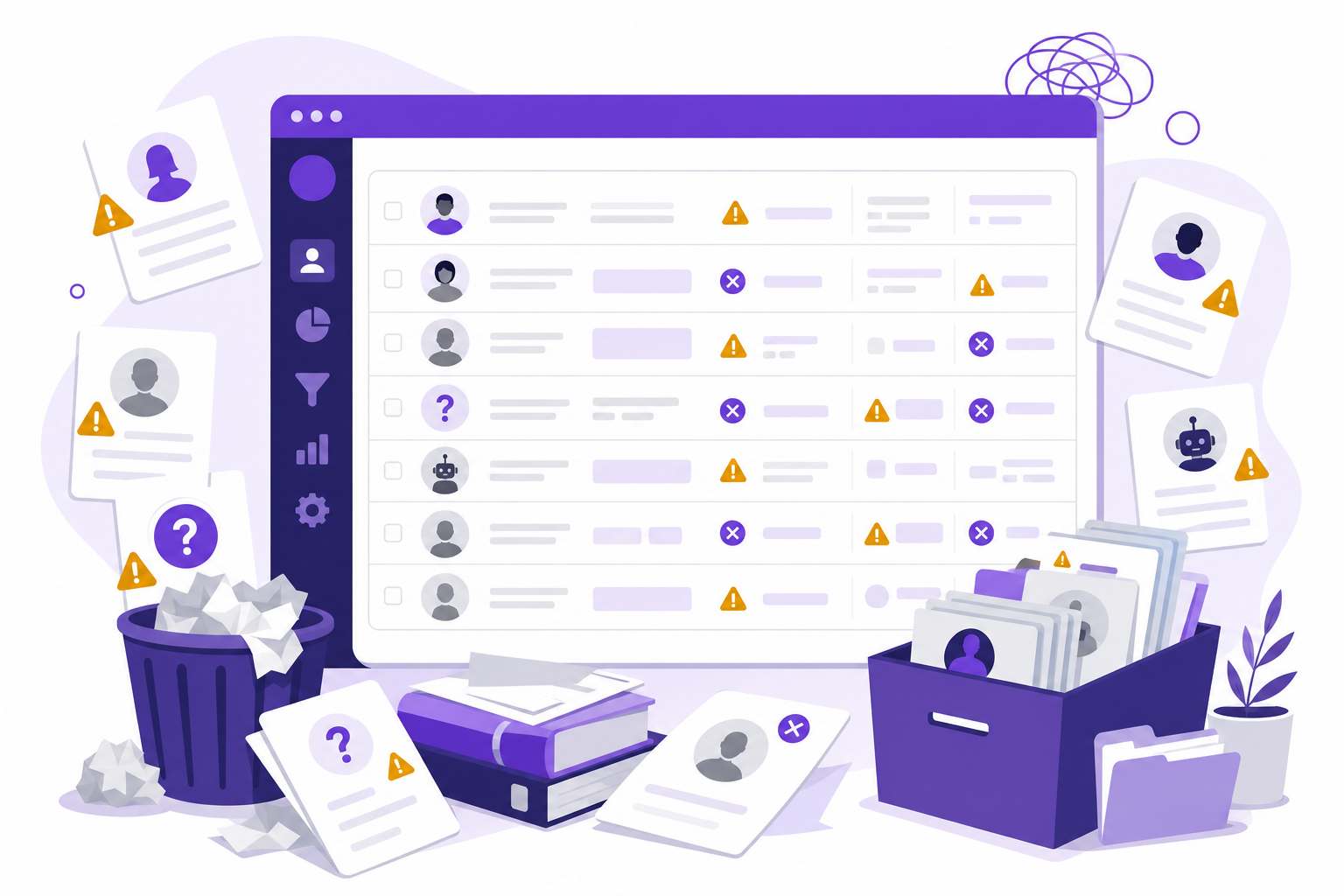
Bad CRM leads look like pipeline but fail to convert. Common types:
- Zombie leads: No activity in 90+ days, no response, still marked "open"
- Wrong-fit accounts: Outside ICP but imported for volume
- Stale contacts: Person left company; email bounces; phone disconnected
- Fake opportunities: Meeting booked with no authority, budget, or pain
- Duplicate records: Same company entered three ways by different reps
- Competitor and junk inbound: Students, vendors, and tire-kickers in the SQL stage
Bad leads inflate pipeline value, distort forecasts, and waste rep time on CRM hygiene instead of selling.
Why Your CRM Is Full of Bad Leads: Root Causes
1. Bulk List Imports Without Qualification Gates
Marketing uploads a webinar list. SDRs import a database export. A partner sends 500 "leads" from an event. Each import skips ICP review. Within a quarter, thousands of unqualified records sit in your CRM with no owner accountability.
2. No Verification Before CRM Entry
Contacts enter CRM with unverified emails and unchecked employment. Bounces and wrong numbers accumulate silently. Outreach teams discover data problems weeks later when deliverability crashes. Verification should be a gate, not an afterthought—see how to verify B2B leads before outreach.
3. MQL Rules Too Loose
Any form fill becomes an MQL. Any email open triggers sales notification. Loose marketing automation rules flood CRM with contacts who showed curiosity—not buying intent. Sales stops trusting marketing leads; marketing stops trusting sales follow-up.
4. Activity Metrics Reward CRM Volume
Reps add contacts to hit "new accounts added" KPIs. Managers celebrate record counts. Nobody measures what percentage of CRM records became opportunities. Volume incentives create bad-lead incentives.
5. No Disqualification or Archive Discipline
Reps fear deleting records because pipeline looks thinner. Closed-lost reasons stay blank. "Maybe later" accounts linger open for years. CRM becomes a graveyard of maybes instead of a system of truth.
6. SDR-to-AE Handoffs Without Standards
Meetings get booked to hit quota—not because SQL criteria were met. AEs accept then reject, but rejected leads stay in CRM as open opportunities. Handoff without lead qualification process standards pollutes the database.
7. Stale Data Nobody Owns
CRM data decays 25–30% annually as people change jobs and companies restructure. Without quarterly enrichment and verification cycles, a growing share of your database is wrong—and reps stop trusting it.
8. Tool Sprawl Without Data Governance
Five tools write to CRM with different field mappings. Duplicates multiply. Company names vary. No single owner governs what "qualified" means in the system of record.
The Cost of a CRM Full of Bad Leads
| Problem | Business Impact |
|---|---|
| Inaccurate forecasts | Leadership plans on pipeline that will not close |
| Rep distrust | Reps ignore CRM and track deals in spreadsheets |
| Wasted outreach | Sequences fire on dead contacts and wrong-fit accounts |
| Reporting noise | Conversion metrics impossible to interpret |
| Marketing misallocation | Campaigns optimized on junk lead volume |
How to Fix a CRM Full of Bad Leads
Phase 1: Audit (Week 1)
Run a CRM health report:
- Count records with no activity in 90+ days
- Identify duplicate companies and contacts
- Sample 50 "open" opportunities—how many meet current SQL criteria?
- Check bounce rates on email fields
- Review closed-lost records with blank reason codes
The audit reveals whether you have a data problem, a qualification problem, or both.
Phase 2: Cleanse (Weeks 2–3)
- Archive zombies: No activity 90+ days, no scheduled next step → closed-lost or nurture
- Merge duplicates: Deduplicate by domain and email
- Verify top accounts: Re-validate contacts on open opportunities and A-tier targets
- Disqualify wrong-fit: Bulk close accounts outside current ICP with documented reason
- Require closed-lost reasons: Make reason codes mandatory going forward
Expect pipeline to shrink 20–40%. That is healthy—it reflects reality.
Phase 3: Prevent (Ongoing)
Install Qualification Gates
No record enters "active outreach" without: ICP fit confirmed, contact verified, owner assigned, and next step scheduled. Block bulk imports that bypass these fields.
Tighten MQL-to-SQL Rules
Co-write MQL criteria with sales. Require ICP fit score or manual SDR review before MQL promotion. Reject and nurture wrong-fit inbound immediately.
Score Incoming Leads Automatically
Use fit scoring on every new record—firmographic alignment, role relevance, engagement level. C-tier records enter nurture, not active sequences. Learn scoring in how to find qualified B2B leads.
Automate Discovery With Built-In Quality
Replace manual list dumps with workflow-based discovery that outputs verified, scored, tiered leads. See lead research automation and AI workflow for sales teams.
Quarterly CRM Hygiene Ritual
Every quarter: re-verify top 500 contacts, archive stale opps, audit new import sources, review disqualification reasons for ICP refinement.
CRM Lead Quality: Entry Standards Checklist
Before any lead becomes "sales active" in CRM, require:
- ICP fit documented (industry, size, geography match)
- Email verified and employment confirmed
- Decision-maker or champion role identified
- Owner assigned with next step date
- Lead source and import batch tagged for traceability
- Disqualification reason field available if rejected
Enforce via CRM required fields and workflow automation—not honor system.
Bad Lead Warning Signs in CRM Reports
- Pipeline value up, win rate down quarter over quarter
- More than 30% of opps have no activity in 30 days
- AE SQL rejection rate above 30%
- Average deal age increasing without stage progression
- Reps maintain personal spreadsheets despite CRM mandate
- Email bounce rate above 3% on CRM-sourced campaigns
Frequently Asked Questions
Why does my CRM have so many bad leads?
Bad leads accumulate through bulk imports without ICP gates, unverified contact data, loose MQL rules, activity-based rep incentives, and no disqualification discipline. Each ungated entry point adds records that look like pipeline but never convert.
Should I delete bad leads from my CRM?
Archive or close-lost with reason codes rather than hard-delete—preserving history for analysis. Remove from active sequences and pipeline views immediately. Hard-delete only duplicates and obvious junk (test records, internal contacts).
How often should we clean CRM data?
Run lightweight hygiene monthly (stale opps, missing next steps) and deep cleansing quarterly (verification, deduplication, ICP re-evaluation). Continuous prevention via entry gates is more valuable than periodic cleanup alone.
What CRM fields improve lead quality?
Require ICP fit score, verification status, lead source, disqualification reason, last verified date, and buyer role. Mandatory closed-lost reasons and next-step dates prevent zombie records.
How does AI prevent bad leads from entering CRM?
AI workflow tools discover ICP-fit accounts, verify contacts, and score leads before export—so only tiered, qualified records reach CRM instead of bulk unfiltered imports.
Final Thoughts
A CRM full of bad leads is worse than an empty one—it creates false confidence, bad forecasts, and rep cynicism about the tools meant to help them sell.
Fix it in three moves: cleanse what is there, gate what comes in, and automate discovery so new records arrive verified and scored. Pipeline quality beats pipeline quantity every quarter.
Ready to fill your CRM with leads that actually convert? Get started with Adsaga.ai or explore more sales guides on the Adsaga blog.
How Adsaga.ai Keeps Bad Leads Out of Your CRM
Adsaga.ai outputs verified, ICP-scored, tiered prospects—so your CRM receives qualified pipeline instead of bulk imports that clog forecasts.
Adsaga.ai workflow at a glance
Create Config (define your business and ICP) → Run Workflow (AI discovers companies and decision-makers) → View Tiered Leads with ICP fit and receptivity scores → export clean records to CRM
Step 1: Create Config
Define ICP criteria, buyer roles, and geography in one configuration. Adsaga.ai uses this as the quality gate—accounts that do not match never enter your export.
Step 2: Run Workflow
AI discovers ICP-fit companies, maps decision-makers, and enriches firmographic data. Every record arrives with context reps and AEs need—not a bare email from a purchased list.
Step 3: View Tiered Leads with ICP and Receptivity Scores
Review A/B/C scored results and export only the tiers your team is ready to work. CRM stays lean, trustworthy, and aligned with forecast reality.
Stop polluting your CRM with bad leads. Try Adsaga.ai and build pipeline you can trust in 2026.